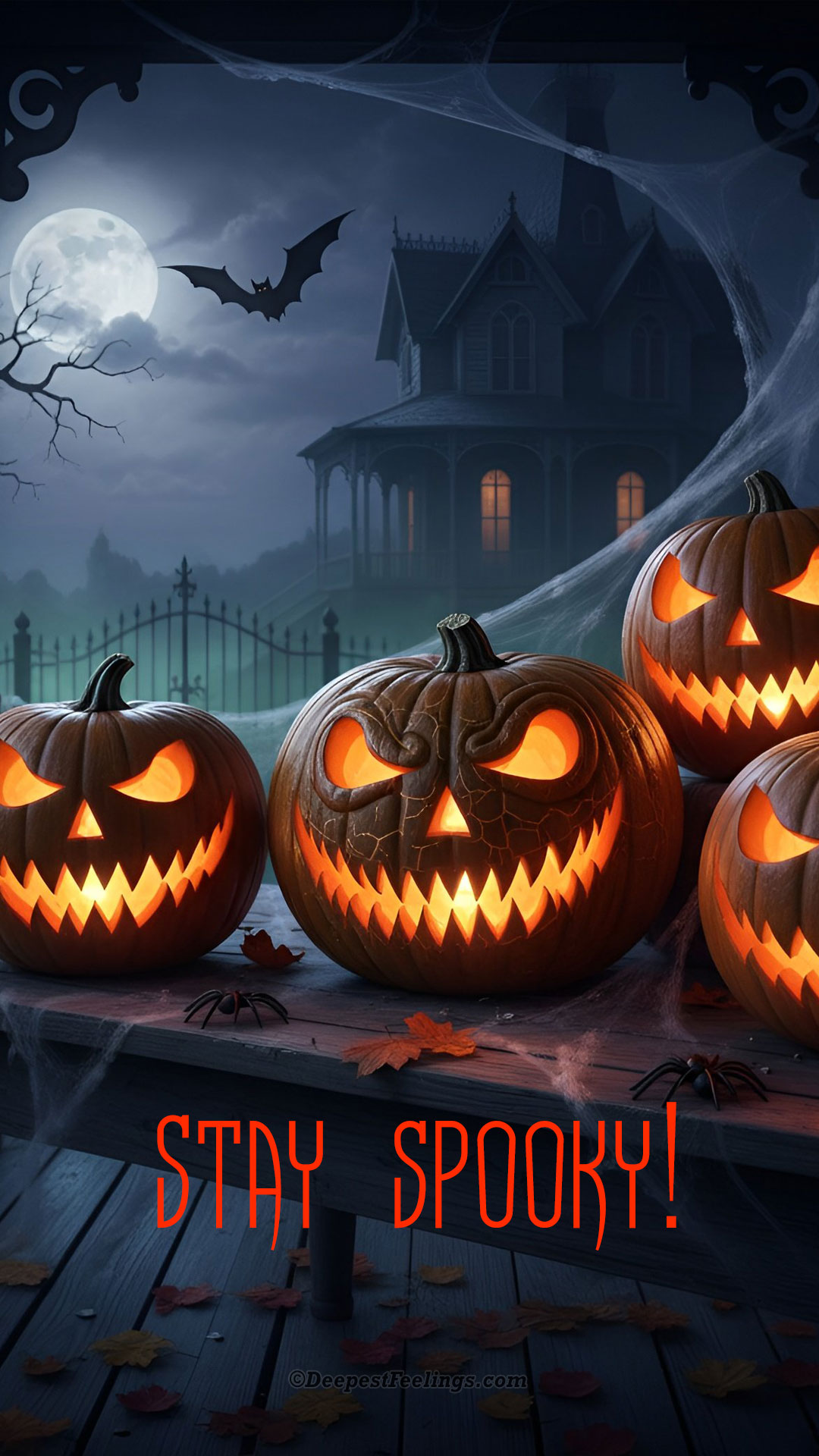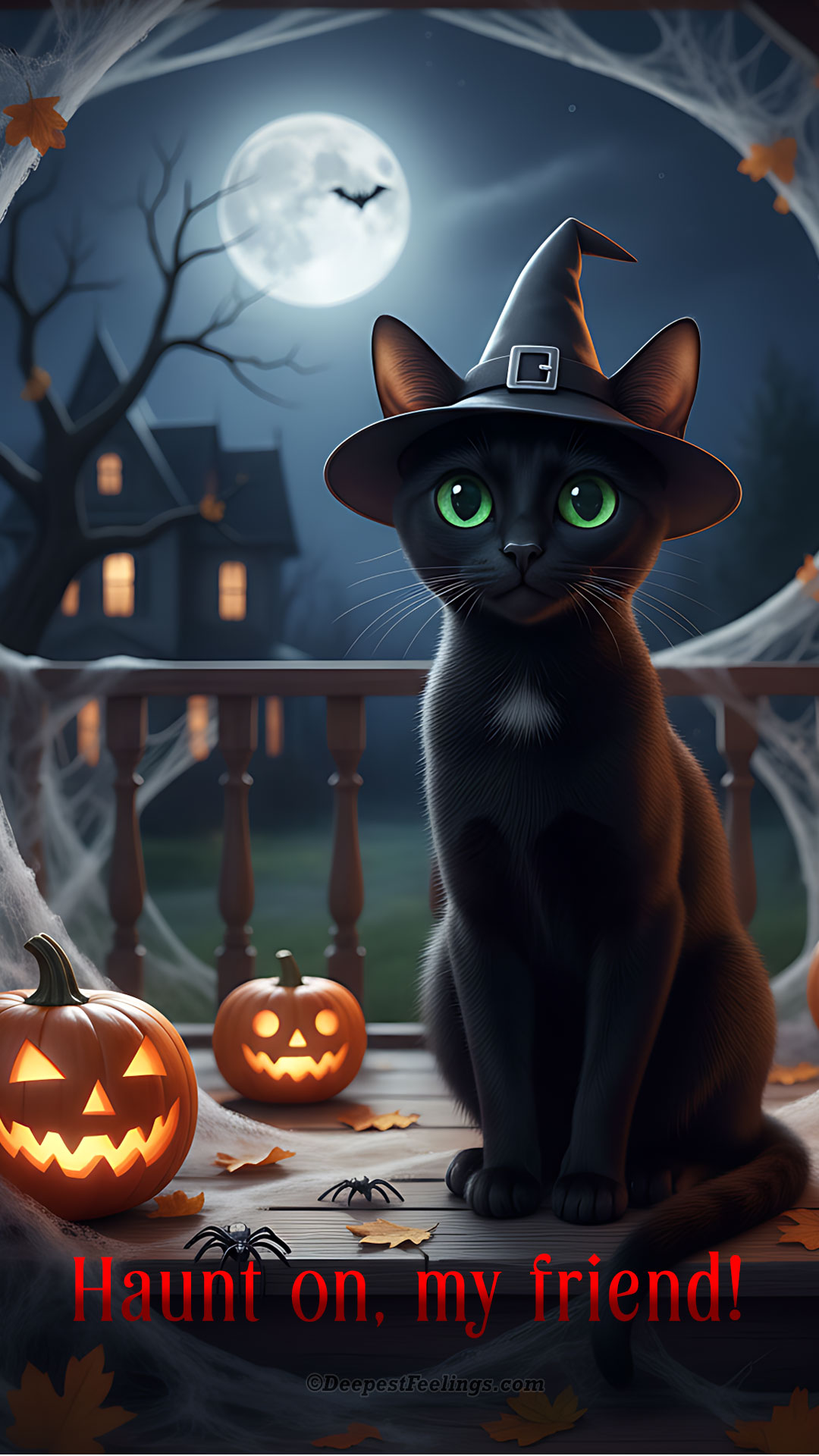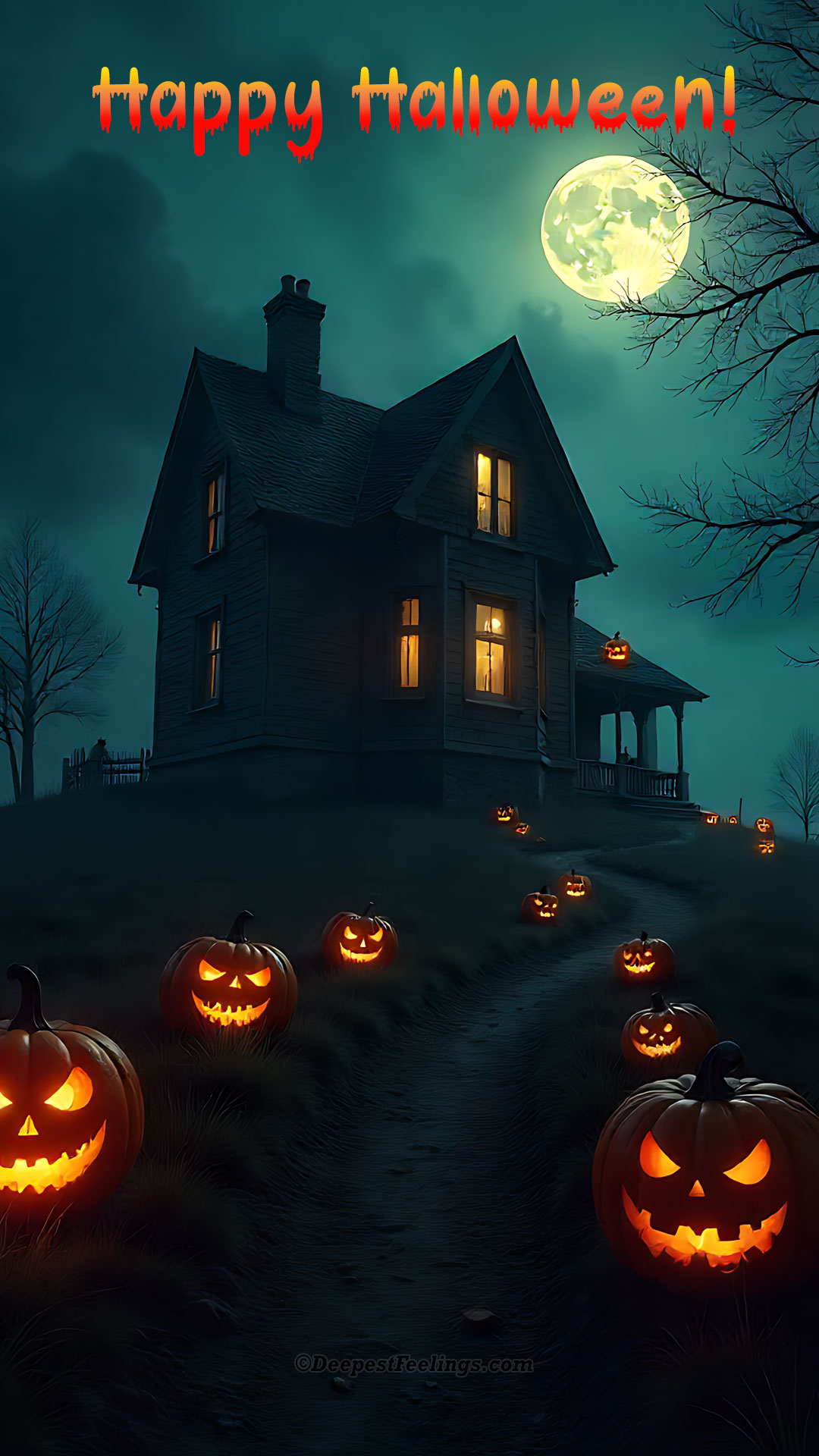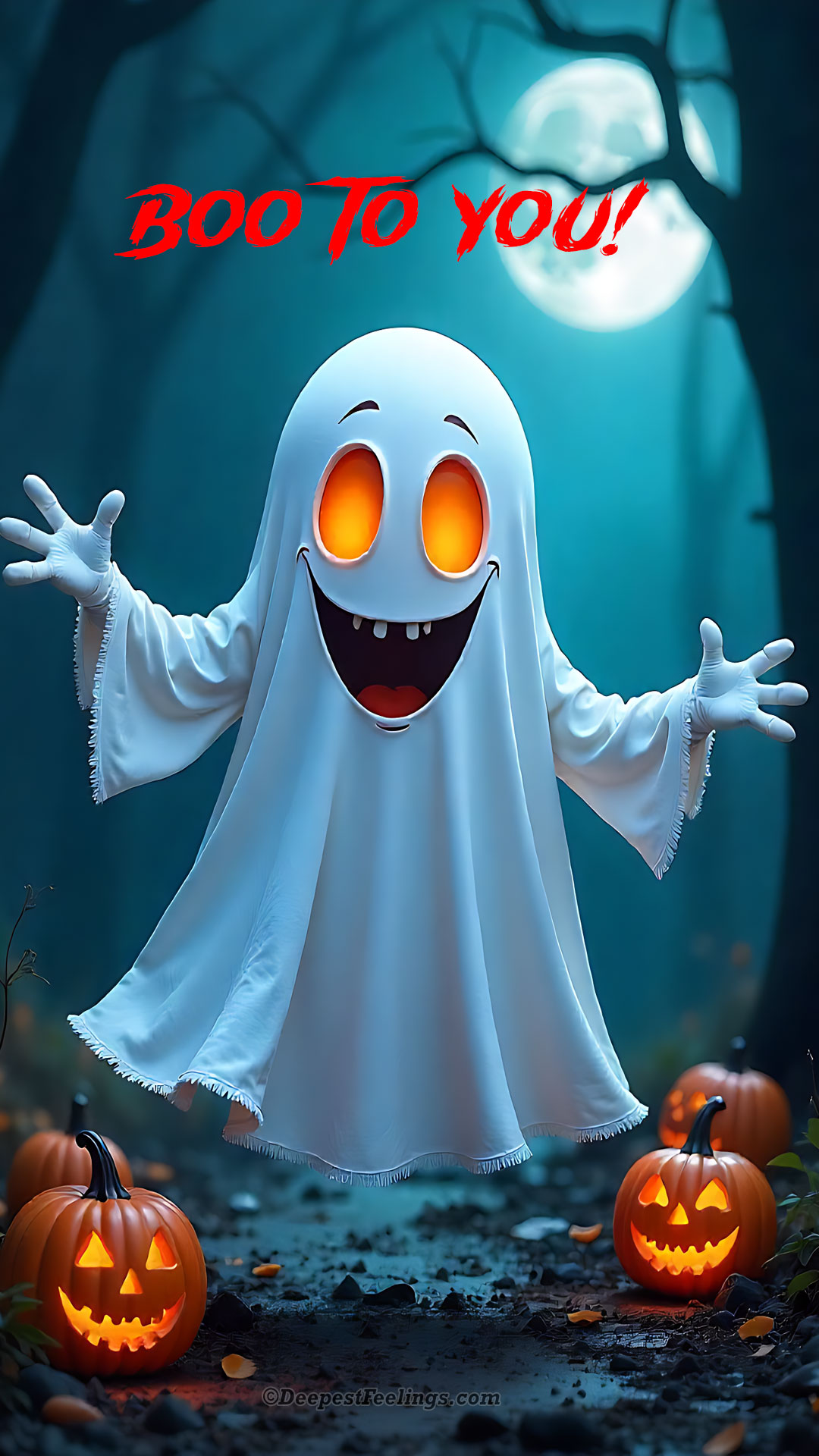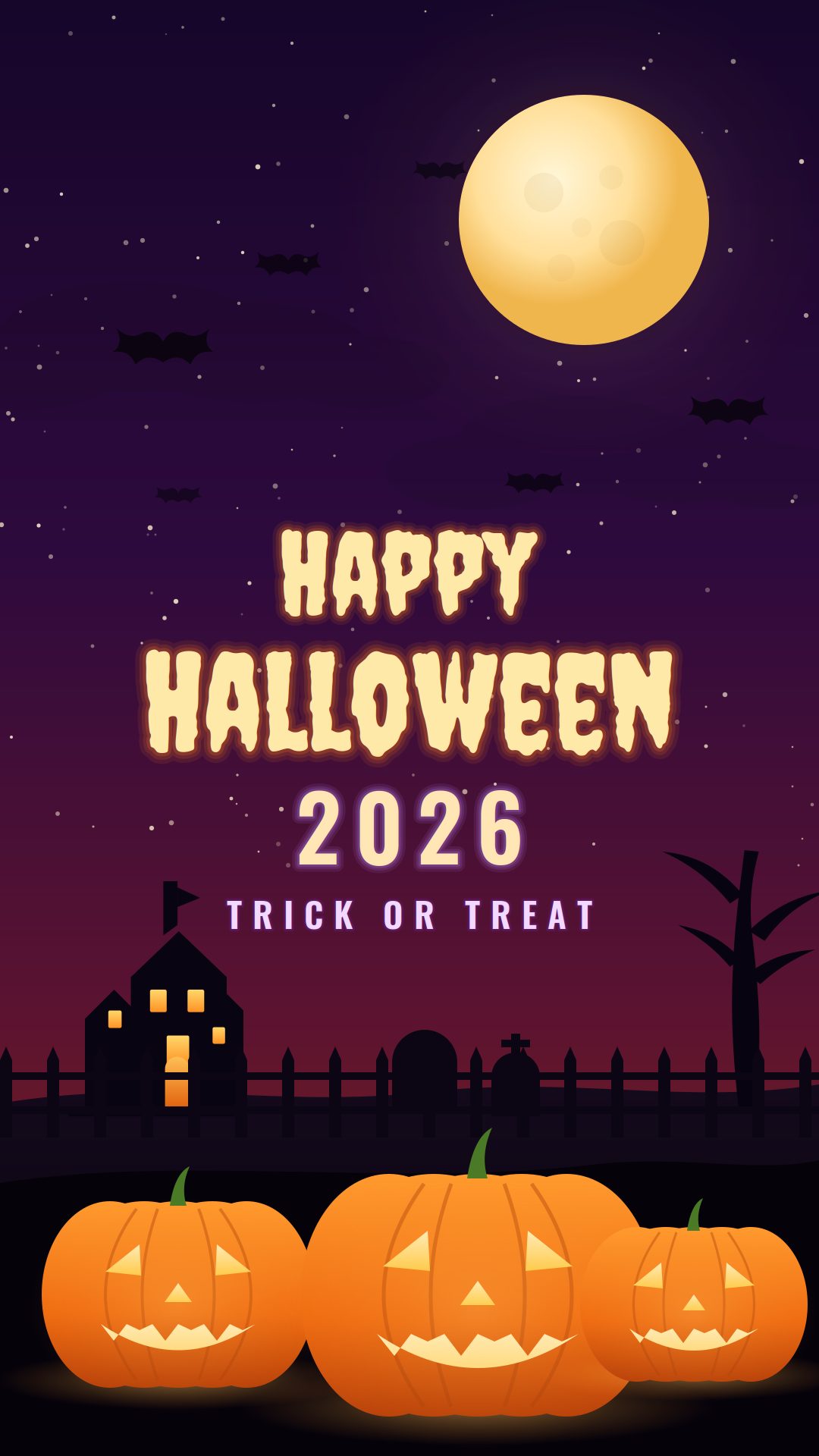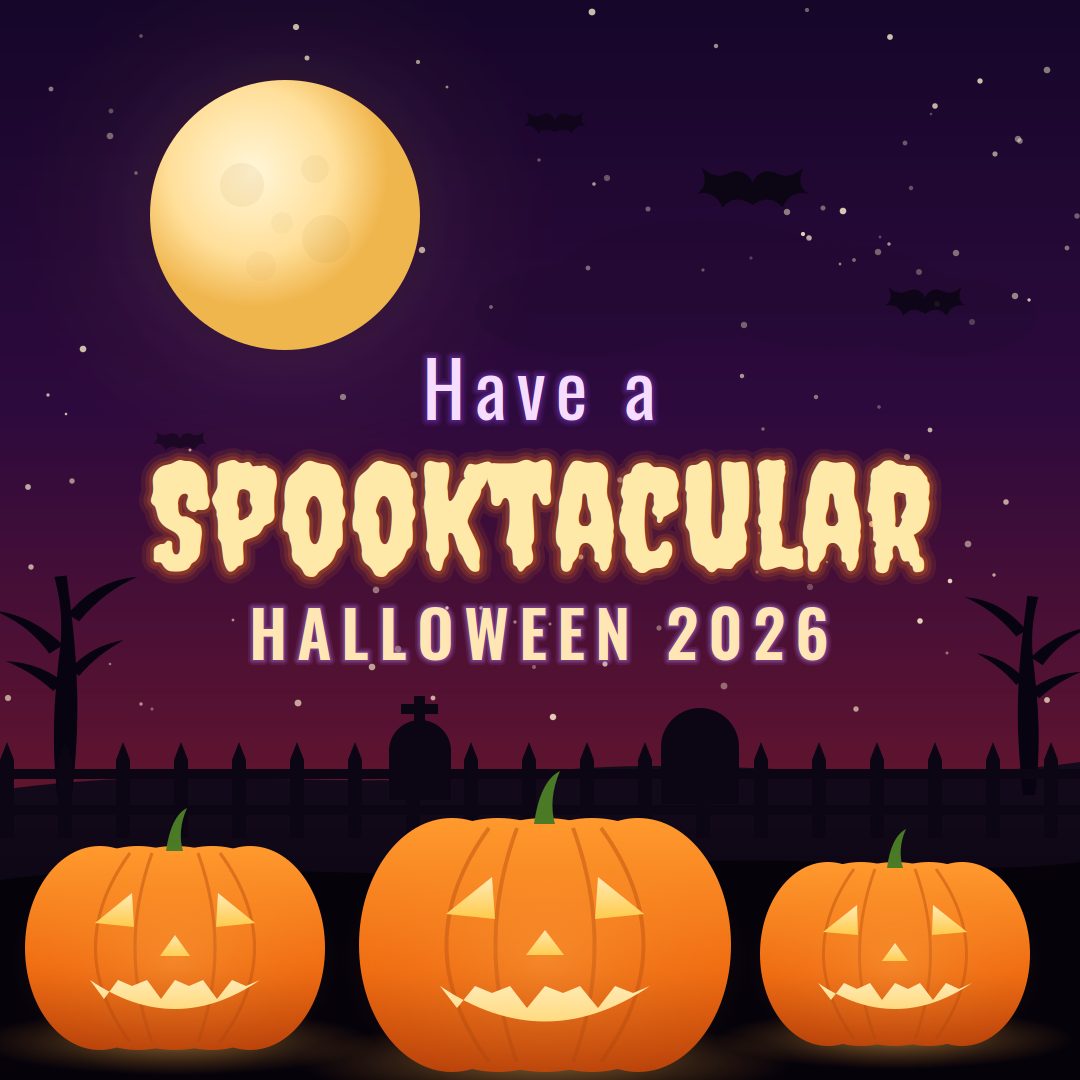
Halloween 2026 falls on Saturday, 31 October 2026, and this page has 20 Halloween images for WhatsApp ready to go: full-screen status pictures, square cards for chats and your DP, and greeting cards carrying a wish. Two designs are new this year.
Everything here is free to download for personal use, with no sign-up and no watermark. Tap Download under any image, then post it to your status or send it in a chat.
Halloween 2026 is on Saturday, 31 October. This page holds 20 Halloween images you can download free and post on WhatsApp: four full-screen status pictures at 1080 × 1920, two new 2026 designs, and fourteen greeting cards with wishes written on them. All are JPG files, free for personal use, with WebP versions served automatically to browsers that support them.
First published October 2023. Last updated 24 September 2026 by the DeepestFeelings editorial team.
Two designs drawn for this season. The tall one is sized for WhatsApp status and phone wallpapers; the square one suits chats, your display picture and Instagram.


These four are built at 1080 × 1920 pixels, the shape of a phone screen, so WhatsApp posts them without cropping the artwork or the wording.
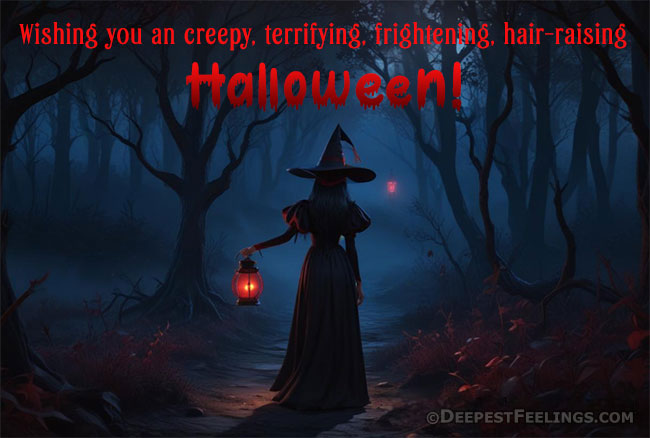
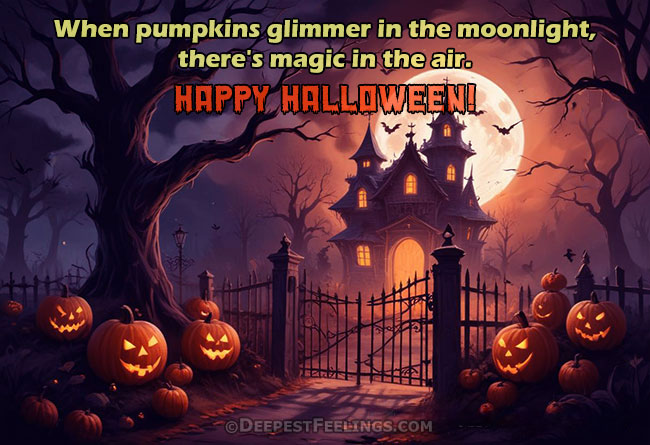
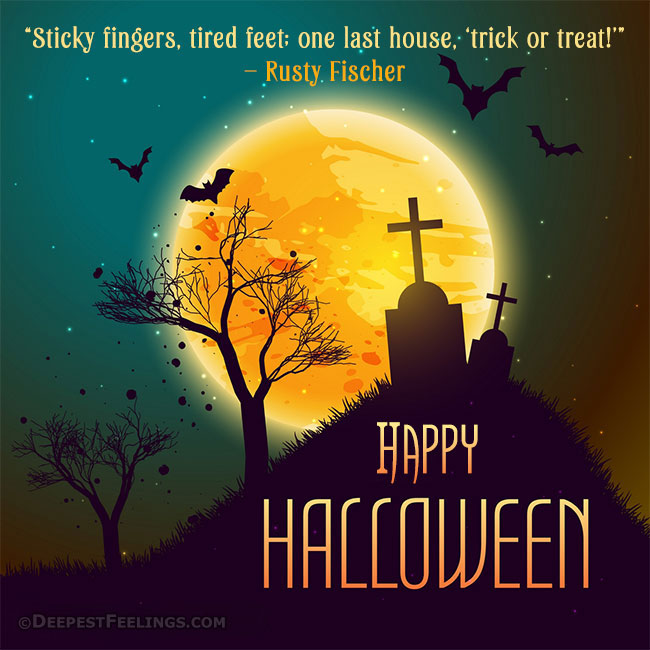
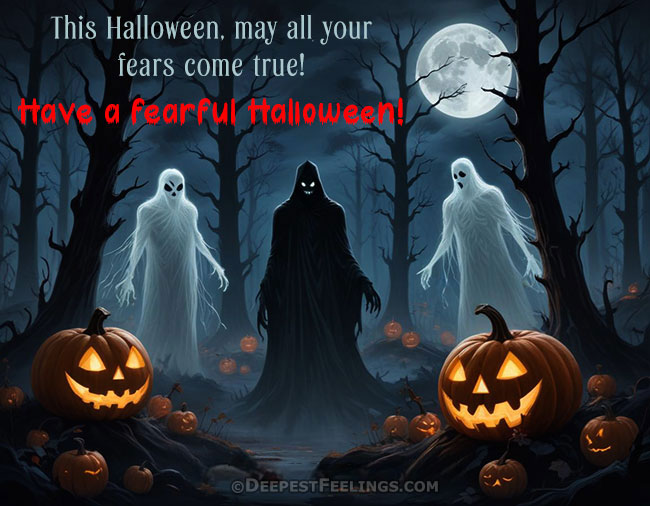
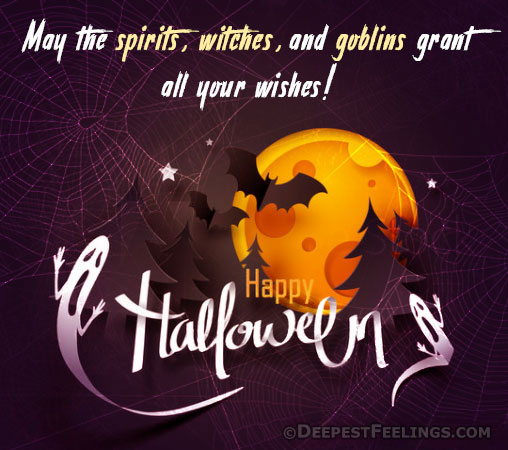
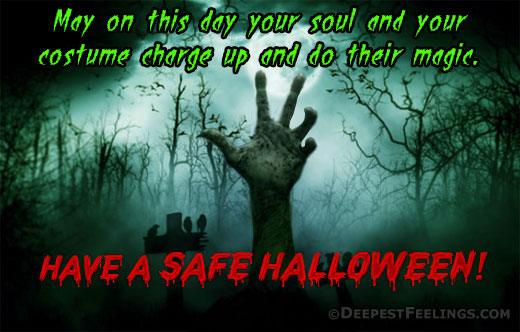
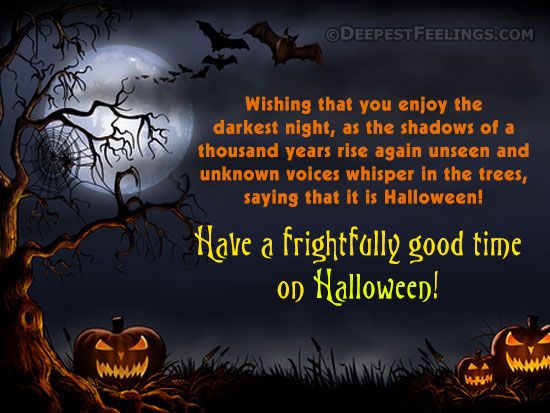
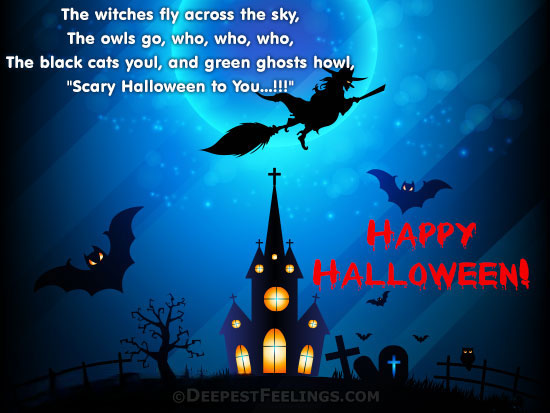
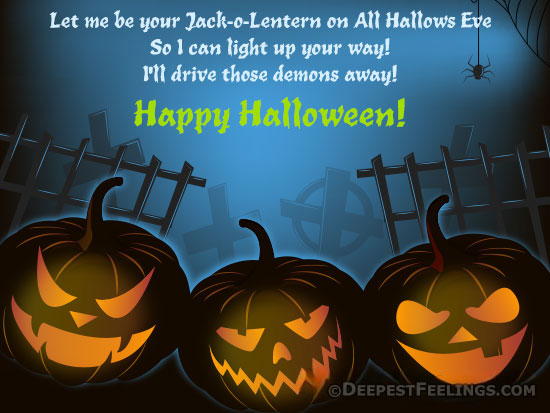
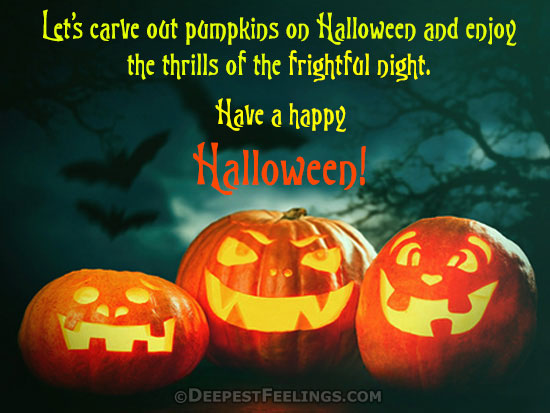
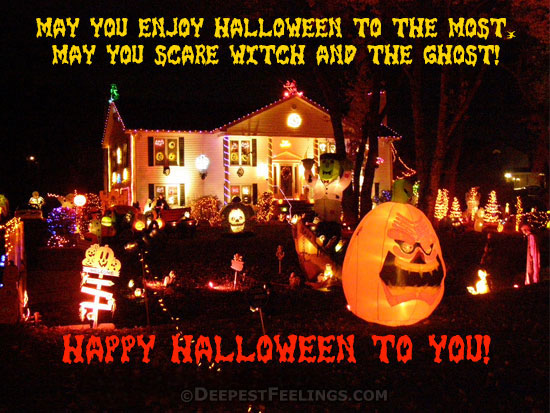
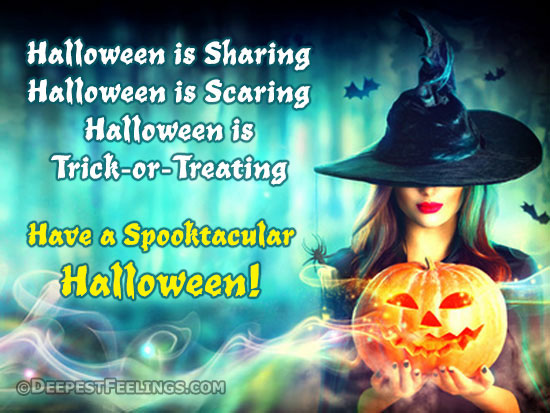
These carry the greeting on the artwork itself, so they work on their own in a chat when you have no time to write anything.
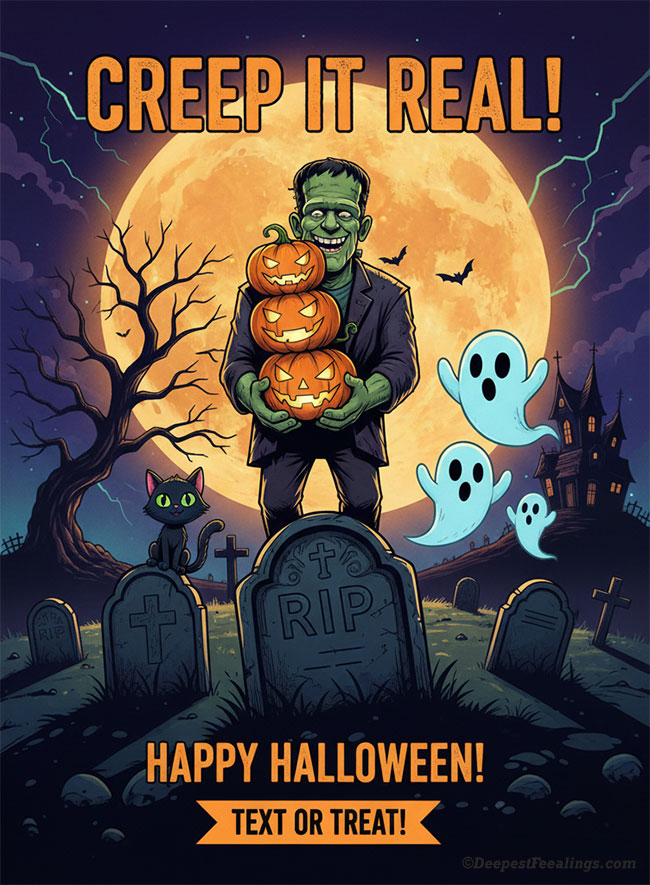
A fun and creepy Halloween card to share with friends.
Download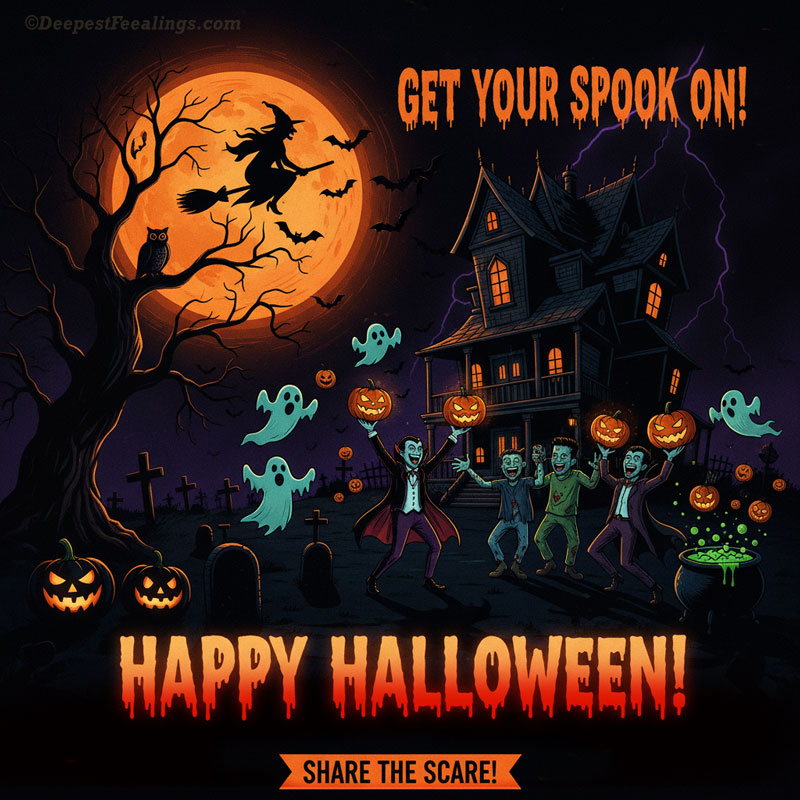
Square shape, so it also works as a display picture.
DownloadOne line under the image does more work than a paragraph. Tap Copy and paste it into your status or chat.
Something wicked this way scrolls. Happy Halloween 2026.
Wishing you a night of treats and no tricks at all.
Costume ready, candy hidden, doorbell unplugged. Happy Halloween.
May your pumpkins glow and your ghosts be friendly.
Bats in the sky, sweets in the bag, this is the good part of October.
Here for the pumpkins, staying for the chocolate. Happy Halloween.
Keep calm. It is only the wind. Probably. Happy Halloween 2026.
Trick or treat, and either way I am eating the sweets.
| Where | Use | Why |
|---|---|---|
| WhatsApp status | Vertical, 1080 × 1920 | Fills the phone screen with no black bars and no crop |
| WhatsApp chat | Any shape, sent as a Document | Chats compress photos; a document keeps the lettering sharp |
| WhatsApp DP | Square, 1080 × 1080 | The profile photo is cropped to a circle, so the artwork must sit in the middle |
| Instagram post or story | Square for a post, vertical for a story | Matches each format so nothing important is trimmed away |
| Facebook post | Any of the cards | Facebook keeps the shape you upload |
| Printing | The landscape cards | They match the proportions of a printed card |
Halloween is a visual festival, and a picture says the whole thing faster than a message. A status post reaches everyone in your contacts at once without singling anyone out, which suits a greeting that is meant to be light. Dark artwork also sits well against both the light and dark themes of the app, so the same image looks right on every phone that sees it.
If you want movement rather than a still image, the animated Halloween wishes page has GIFs for WhatsApp, and the Halloween greeting cards section has cards you can send by email.
Halloween 2026 falls on Saturday, 31 October 2026. All Saints' Day follows on Sunday 1 November, and the Day of the Dead is marked on 1 and 2 November.
Yes. Every image on this page is free to download and share for personal use, with no sign-up and no watermark. Tap the Download button under an image and the full-size file saves to your device.
A vertical image of 1080 by 1920 pixels fills a phone screen without cropping, which is why the status images on this page are made at that size. Square images of 1080 by 1080 pixels also work well and suit chats, display pictures and Instagram.
Send it inside a chat as a Document instead of a Photo. WhatsApp compresses photos, and dark Halloween artwork with lettering shows that compression badly. Status posts are always compressed, so start from the largest file you have.
Yes. WhatsApp crops a display picture to a circle, so pick a square image where the artwork sits in the middle, such as the pumpkin cards on this page, rather than a tall status image.
No. These images are for personal, non-commercial use. You may send them to friends and family, post them from a personal account and print them at home, but not use them in advertising, sell them, or offer them as downloads on another site.
Keep it to one line and match it to the image. A spooky picture suits something short like Something wicked this way scrolls, while a cute pumpkin card suits a warm line such as Wishing you a night of treats and no tricks. The caption section on this page has more to copy.
Yes. New designs are added each Halloween season and the older ones stay online. Two new images were added for Halloween 2026, and the last updated date on this page shows when the collection last changed.
Every Halloween image on this page is created by DeepestFeelings and offered free of charge for personal use. You do not need to ask permission or pay a fee for the uses listed below.
You may:
You may not:
Credit DeepestFeelings wherever a credit line is possible. For any use beyond this list, including commercial licensing, write to us through the contact page.